A-Pose Full Body Pose Reference
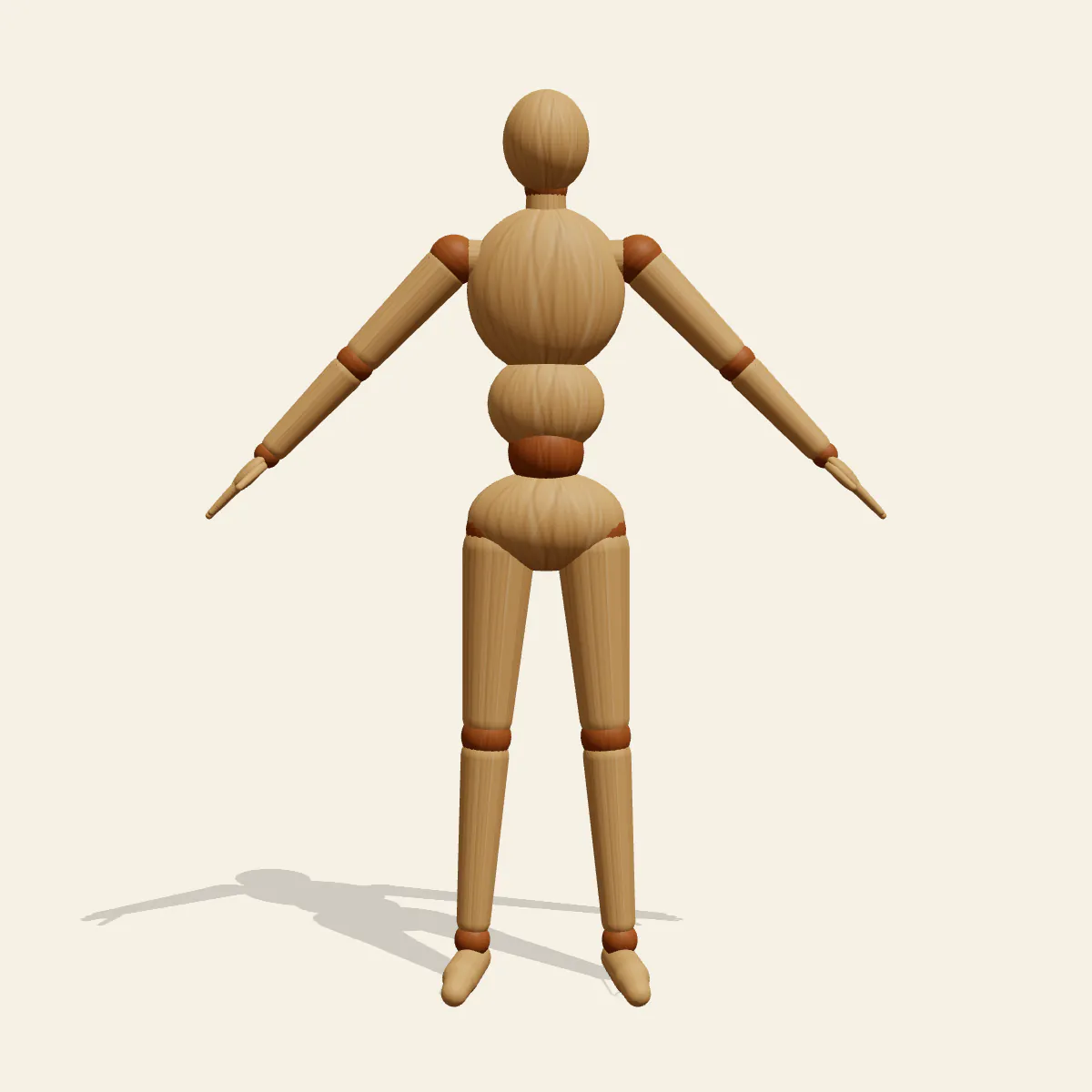
A-Pose Full Body is the neutral standing reference for character sheets: feet hip-width, arms angled 45 degrees down and out, palms facing in.
- Standing Poses
- standing
- full body
- a-pose
- character sheet
- neutral
Free for personal and commercial use (CC0). License details
How to draw the A-Pose Full Body pose
Everything about the stance is even. Weight splits equally between both feet, so the line of action is a plain vertical that drops from the crown through the pelvis to a point midway between the heels. The arms leave the shoulders at roughly 45 degrees and stay straight, opening a triangle of negative space between each inner arm and the waist. Palms turn toward the thighs, the head sits level and the gaze runs straight ahead. On the 175 cm mannequin the head is at about 157 cm and the centre of mass rests near 101 cm, around the navel.
That openness is why turnarounds and 3D modelling start here. Nothing overlaps, so you can measure the figure against an 8-heads-tall grid, check where the elbows land against the waist and confirm that the wrists fall near hip height, then design costume layers without guessing what a sleeve hides. Riggers often prefer the A over a T-pose because the shoulder sits closer to its resting angle and the mesh deforms more naturally when the arm later drops.
Treat the front and back views as the sheet itself; they should be near mirror images, and any difference in arm angle shows up instantly. The side view tells you about posture: ear, shoulder, hip and ankle should stack on one line, with the gentle S of the spine visible between them. The three-quarter view is where students learn how the ribcage and pelvis turn as solid blocks, while the low and high angles are better for practising foreshortening on a simple figure than for a model sheet.
Three errors flatten the pose. Arms drawn too close to the body swallow the waist and make the silhouette read as a column. Shoulders that are locked or hiked up shorten the neck, so let the collarbones sit relaxed and nearly level. Feet turned out too far look like a ballet first position; keep the toes pointing mostly forward. To adapt it for your own rig or sheet, open Edit this pose, change the arm angle on one side only, then use mirror to copy it across so the figure stays perfectly symmetrical.
A-Pose Full Body pose prompt
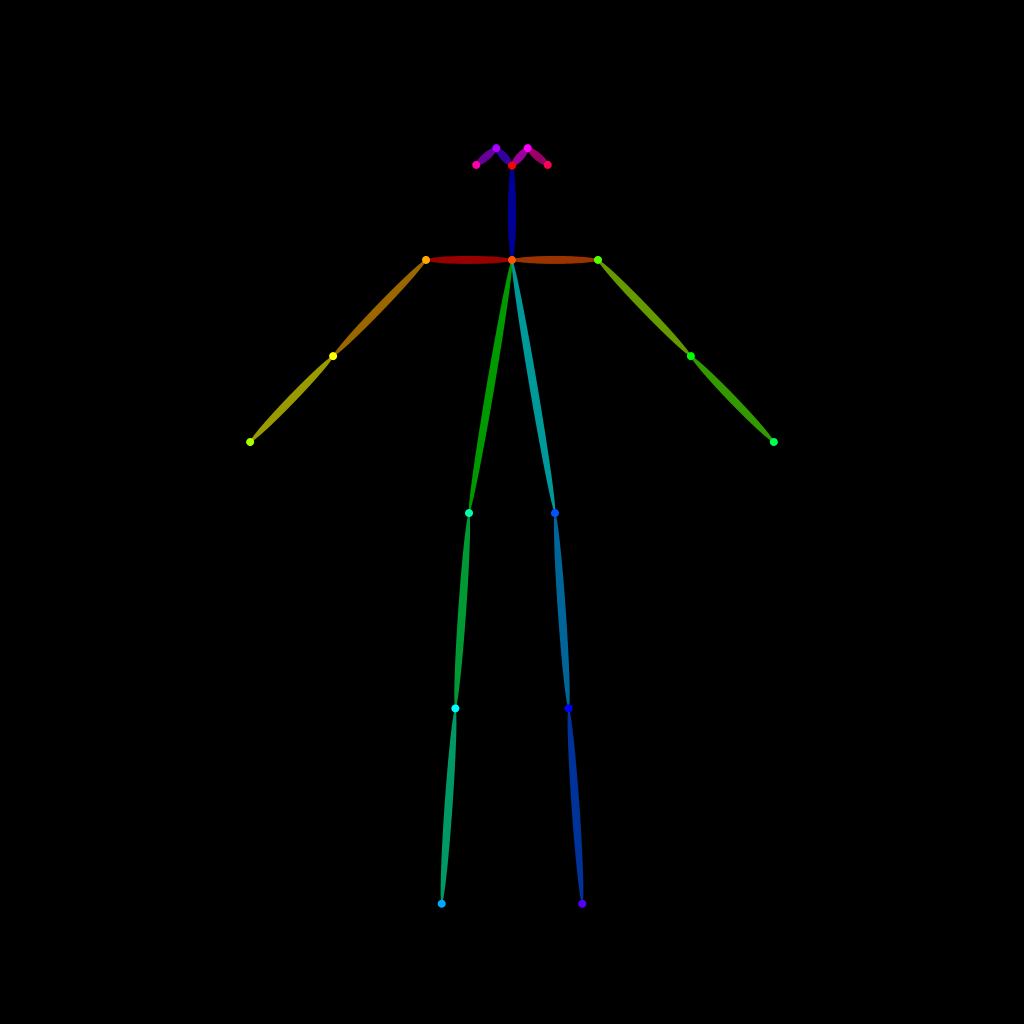
Copy a prompt for your AI image generator. Pair it with the OpenPose skeleton in ControlNet so the generated character matches this exact pose.
General prompt
A person standing straight in a neutral A-pose, feet hip-width apart, arms straight and angled down and away from the body at about 45 degrees, palms facing the thighs, shoulders relaxed, head level, looking straight at the camera, full body, plain light grey background.
Midjourney
full body person in neutral A-pose, standing straight, feet hip-width apart, arms angled down and out at 45 degrees, palms facing inward, relaxed shoulders, level gaze, character turnaround reference, plain white background, even studio light --ar 2:3 --style raw
Stable Diffusion
1person, full body, standing, a-pose, arms angled down, arms away from body, palms facing inward, feet hip-width apart, symmetrical pose, straight posture, head level, looking at viewer, front view, character reference sheet, neutral expression, plain background, simple background, even lighting
Negative prompt
t-pose, arms raised to shoulder height, arms touching torso, hands on hips, shrugged shoulders, feet turned out, crossed legs, tilted head, asymmetrical arms, cropped feet, extra limbs, bad hands, missing fingers, deformed anatomy, blurry
OpenPose skeleton for ControlNet
Load the PNG into a ControlNet OpenPose unit (preprocessor: none), or import the JSON into an OpenPose editor.
Free to use (CC0)
The pose images on this page are released under CC0 1.0 (public domain dedication). Use them for drawing practice, commercial illustration, reference sheets or AI image generation; no attribution is required. A credit to PoseMaker is appreciated but optional.
Have a photo of the pose you want?
Upload it to Photo to Pose. We detect the pose in your browser and put it on the mannequin, ready to adjust.