Princess CarryPose Reference
Camera angles
Princess Carry shows a carrier standing upright and holding the partner across both forearms, one under the back and one under the knees.
Tags: coupleprincess carrybridal carrycarryingtwo people
How to draw the Princess Carry pose
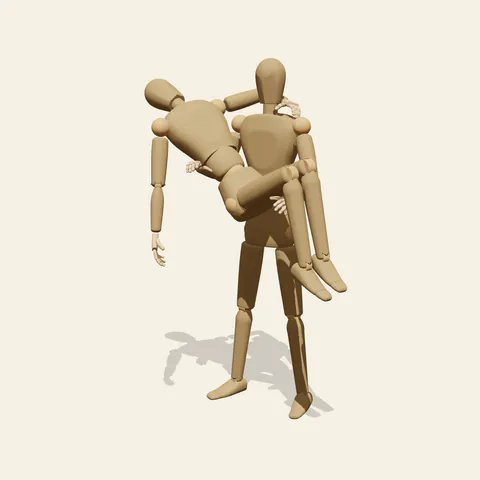
three-quarter view 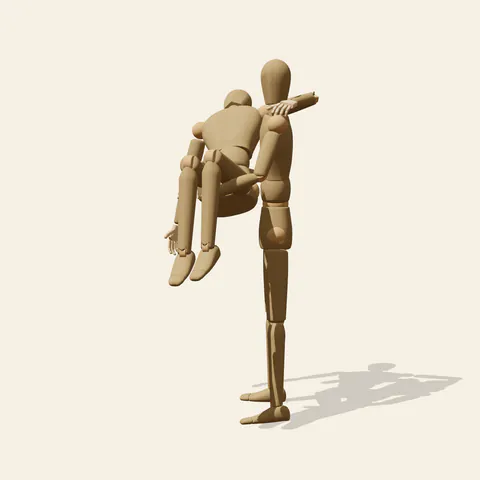
side view 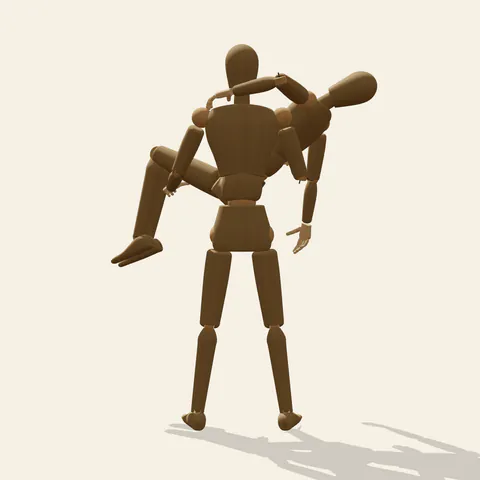
back view 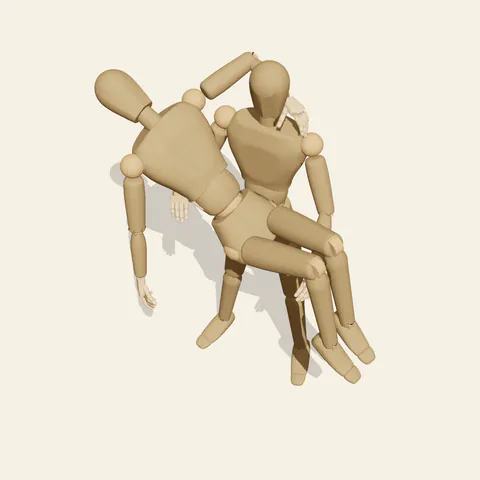
high-angle view
The carrier stands square on both feet with the arms bent in front of the body like a cradle. One forearm passes under the partner's upper back, hand reaching around to the side of the ribs; the other slides under the thighs just above the knees. The carried person folds at the hips, so the seat hangs as the lowest point of the body, knees hooked over the forearm and shins dangling. The head tips back, the near arm drops loose toward the floor, and the far arm goes around the back of the carrier's neck, the only grip the carried figure contributes.
All the weight passes through the carrier, and a real body would answer it. The mannequin stands quite straight, but when drawing a living carrier lean the torso back slightly and soften the knees, so the combined centre of mass stays over the feet instead of somewhere in front of the chest. From the front, the carried body lies across the carrier's chest as a strong horizontal against a vertical, an easy cross to compose. The side view, from the carrier's left, foreshortens the partner into a compact cluster of head and knees that is hard to read, while the back view shows the arm around the neck and both shins hanging on one side. The high angle reveals the V the body makes between the two forearms.
More on angles and common mistakes
Common errors: drawing the carried body as a rigid plank, forgetting that the hips sag lower than the shoulders and knees, or placing the forearms at the waist and ankles, which no one could hold for long. Mind the overlap too; the carrier's near arm and the partner's thighs cross in front of the belly, and the hand at the ribs hides behind the partner's back.
The princess carry pose fits weddings and threshold scenes, a rescue from a fire, a hero lifting someone out of danger, or a playful moment at the beach. The loose hanging arm makes the partner look asleep or unconscious; for a happier version, click the carried mannequin and bend that arm so the hand rests on the carrier's chest, then give the carrier the editor's Male or Female body as your story needs.
Free to use (CC0). The pose images on this page are released under CC0 1.0 (public domain dedication). Use them for drawing practice, commercial illustration, reference sheets or AI image generation; no attribution is required. A credit to PoseMaker is appreciated but optional.
Princess Carry pose prompt
Copy a prompt for your AI image generator. Pair it with the OpenPose skeleton in ControlNet so the generated character matches this exact pose.
General prompt
A person standing upright carrying another person in their arms, one forearm under the partner's upper back and the other under the knees. The carried person folds at the hips, shins hanging, head tipped back, one arm hanging toward the floor and the other around the carrier's neck. Plain background.
Midjourney
princess carry, bridal carry, person standing and carrying partner in both arms, arm under back and under knees, carried person with hips lowest, legs dangling, head tipped back, arm around carrier's neck, plain background --ar 3:2 --style raw
Stable Diffusion
2people, full body, princess carry, bridal carry, carrying person, standing, holding in arms, arm under back, arm under knees, legs dangling, head back, arm around neck, arm hanging down, lifted off ground, front view, plain background, simple background
Negative prompt
piggyback, over the shoulder carry, carried body straight, stiff plank, floating person, arm through body, merged bodies, extra arms, extra legs, bad hands, missing fingers, deformed anatomy, cropped feet, blurry
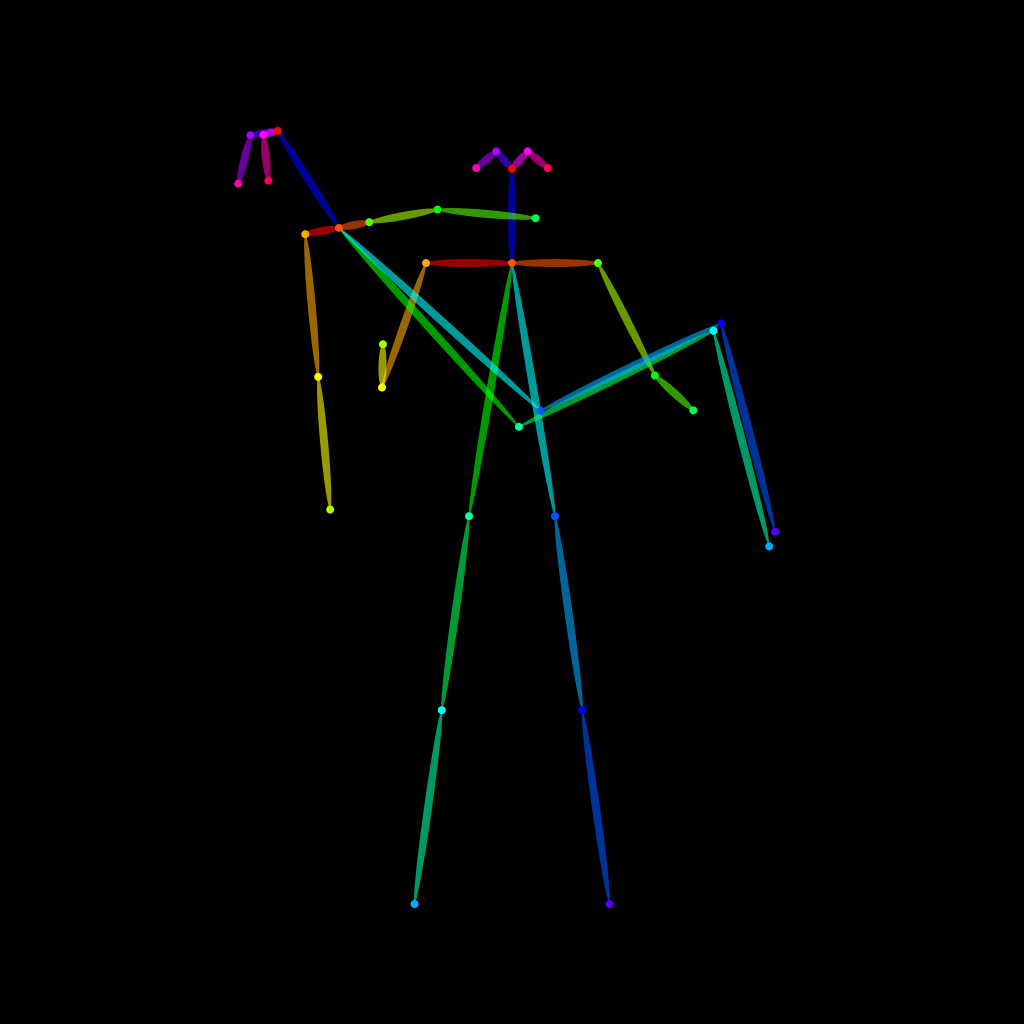
OpenPose skeleton for ControlNet
Load the PNG into a ControlNet OpenPose unit (preprocessor: none), or import the JSON into an OpenPose editor.
Have a photo of the pose you want?
Upload it to Photo to Pose. We detect the pose in your browser and put it on the mannequin, ready to adjust.