Bridge PosePose Reference
Camera angles
Bridge Pose lays the wooden figure on its shoulders with the hips lifted high, knees bent at right angles and arms flat along the floor toward the feet.
Tags: yogabridgeon backhips raisedknees bent
How to draw the Bridge Pose pose
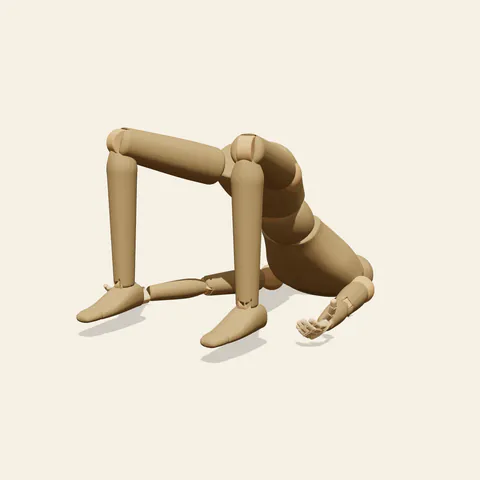
three-quarter view 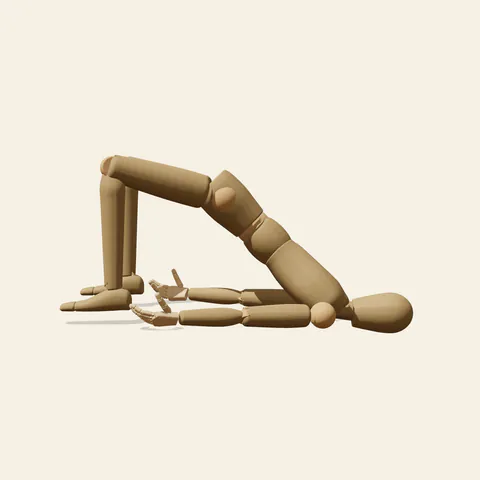
side view 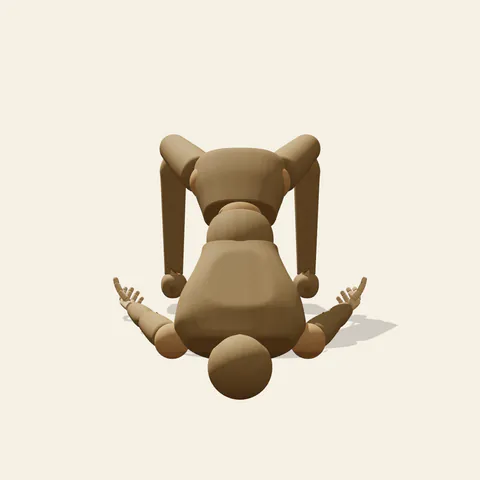
back view 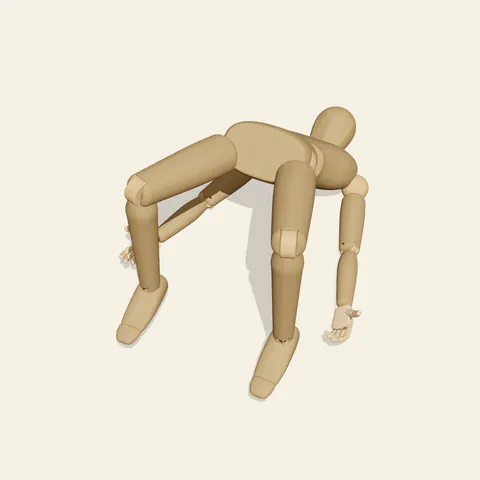
high-angle view
Only three zones carry the weight: the back of the head with the shoulders, the two flat feet, and the arms lying palm-down beside the body. Between them the torso makes a steep, straight ramp from the shoulder blades up to the knees, with the pelvis near the top. The knees bend to about ninety degrees and open wider than the hips, so the shins stand almost vertical over the feet while the thighs fan outward. That wide knee stance gives this version of the yoga bridge a broad diamond shape when you look along the body.
The side view from the figure's left is the textbook angle: a triangle formed by the floor, the rising torso and the descending shin, with the arm lying flat underneath as a fourth line. The front angle looks between the open knees toward the head, so the thighs form a V and the chest is foreshortened behind the raised pelvis. From the back, behind the head, the face disappears and the knees tower above the hips. The high angle confirms how flat the palms are and how far apart the feet sit.
More on angles and common mistakes
Watch the neck. In a real bridge pose the head stays still and the weight goes into the upper back, so do not draw the chin jammed into the chest or the head turned sideways. Keep the line from shoulder to knee straight; a sag at the waist makes the hips look tired, and an exaggerated curve turns it into a wheel. The feet belong under the knees, not out in front. The mannequin has no mat, clothing or hair, so add those after the structure is locked.
Use it for yoga instruction graphics, hip and back strengthening routines, pilates handouts, or as a study of a body supported at both ends. Edit this pose by pulling the knees in until they line up with the hips, which gives the narrower alignment many classes teach, then compare the front views to see how much slimmer the silhouette becomes.
Free to use (CC0). The pose images on this page are released under CC0 1.0 (public domain dedication). Use them for drawing practice, commercial illustration, reference sheets or AI image generation; no attribution is required. A credit to PoseMaker is appreciated but optional.
Bridge Pose pose prompt
Copy a prompt for your AI image generator. Pair it with the OpenPose skeleton in ControlNet so the generated character matches this exact pose.
General prompt
A person performs yoga bridge pose on a plain floor: shoulders and the back of the head down, hips lifted high so the torso slopes straight up to the knees, knees bent at right angles and wider than the hips, feet flat, arms along the floor with palms down.
Midjourney
full body person in yoga bridge pose, lying on shoulders, hips lifted high, straight ramp from shoulders to knees, knees bent at right angle, knees open wide, feet flat, arms flat on floor palms down, side view, plain background --ar 3:2 --style raw
Stable Diffusion
1person, full body, bridge pose, yoga, lying on back, hips raised, knees bent, knees apart, feet flat on floor, arms at sides, palms down, shoulders on floor, head on floor, side view, plain background, simple background, athletic wear, fitness
Negative prompt
head lifted, chin on chest, sagging hips, feet far in front, knees together, deep backbend, hands under back, arms raised, extra legs, missing feet, distorted pelvis, twisted neck, cropped body, nsfw
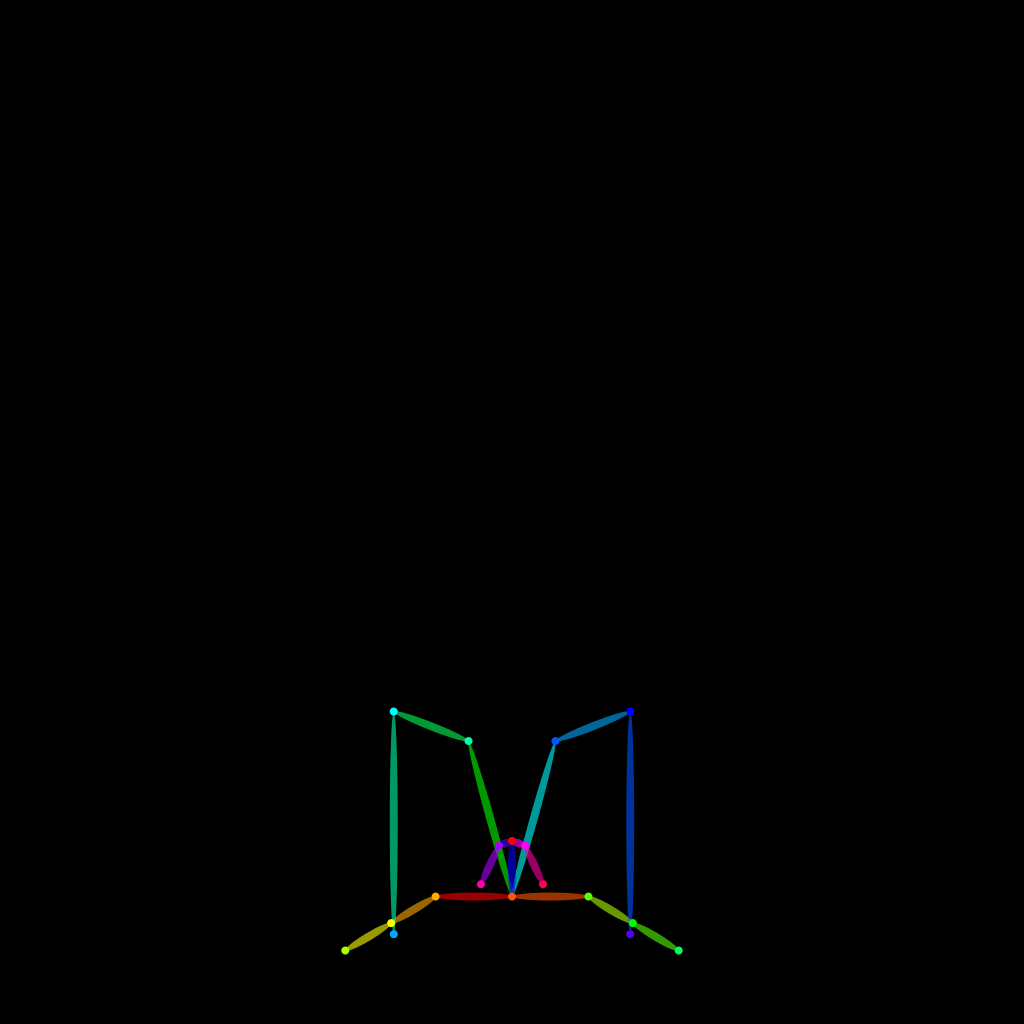
OpenPose skeleton for ControlNet
Load the PNG into a ControlNet OpenPose unit (preprocessor: none), or import the JSON into an OpenPose editor.
Have a photo of the pose you want?
Upload it to Photo to Pose. We detect the pose in your browser and put it on the mannequin, ready to adjust.