Back, Legs CrossedPose Reference
Camera angles
Back View Crossed Legs narrows the wooden figure's stance beneath a shifted pelvis, with relaxed arms framing the rear torso and hips.
Tags: standingfigure drawingfull bodyback viewcrossed legs
How to draw the Back, Legs Crossed pose
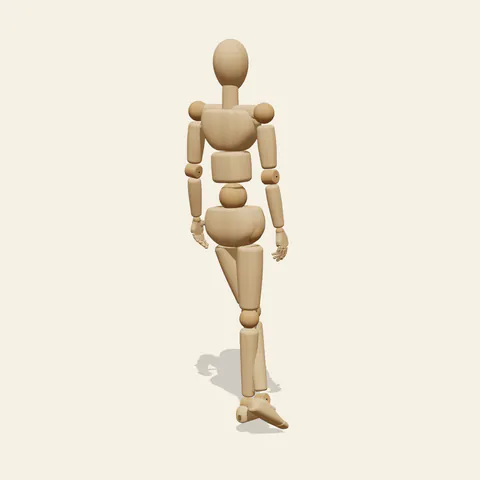
three-quarter view 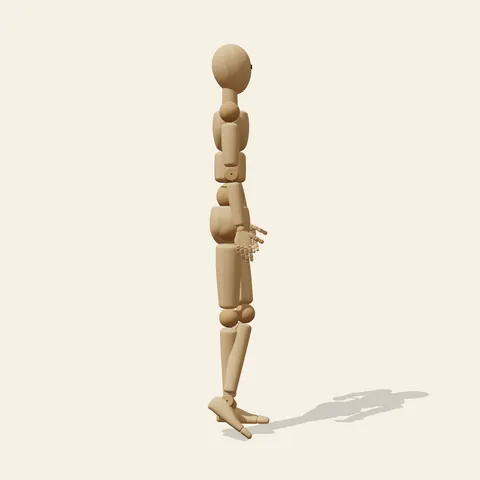
side view 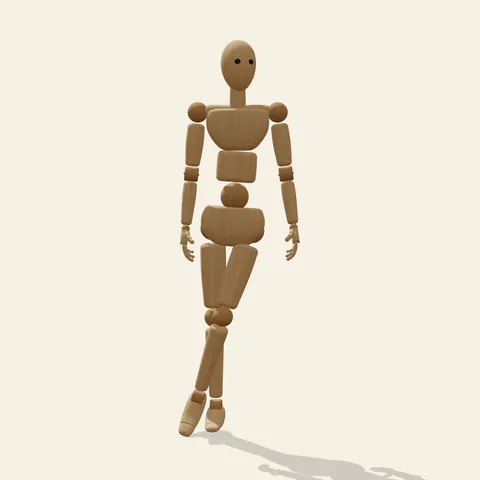
back view 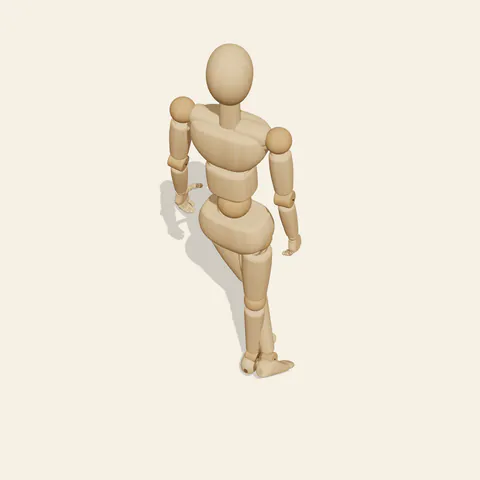
high-angle view
The back faces the viewer while one leg travels across the other toward a closely spaced pair of feet. The pelvis shifts away from the crossing line, creating a subtle countercurve through the waist. Both arms remain low, but their distance from the torso need not match exactly. These restrained differences are the main action: without an overhead reach or an obvious hand gesture, the standing figure depends on the hip displacement and leg overlap for its character. Follow the rear shoulder line into the spine, then notice how the pelvis answers that direction rather than simply continuing it.
Begin the drawing with the pelvis as a tilted volume. Locate each hip socket and trace its thigh to the appropriate knee before drawing the overlapping calves. This matters particularly from behind, where a misplaced crossing can make a leg appear to switch sides halfway down. Rear three quarter views help separate the far knee and ankle; a profile checks the front-to-back spacing of the feet. A frontal angle provides a useful comparison even though the main reference reads as a back view. The wooden mannequin contains no clothing or detailed musculature, so use its rounded joints as construction markers rather than inventing garment folds or surface anatomy from them.
More on angles and common mistakes
A frequent mistake is placing both shoulders and both hips on parallel horizontal lines, flattening the weight shift into a stiff diagram. Another is hiding one hanging hand behind the thigh until the arm seems unfinished. This reference suits departing characters, rear-view model sheets and studies of understated standing gestures. In Edit this pose, move one wrist slightly farther from the hip while leaving the crossed legs unchanged. The small opening can make the arm easier to read without creating a new action. Finish by checking both side angles to verify that the ankles remain distinct and the apparent weight stays over the supporting foot.
Free to use (CC0). The pose images on this page are released under CC0 1.0 (public domain dedication). Use them for drawing practice, commercial illustration, reference sheets or AI image generation; no attribution is required. A credit to PoseMaker is appreciated but optional.
Back, Legs Crossed pose prompt
Copy a prompt for your AI image generator. Pair it with the OpenPose skeleton in ControlNet so the generated character matches this exact pose.
General prompt
Draw a complete rear-facing person in a narrow crossed-leg stance. Displace the pelvis sideways, leave the shoulders slightly uneven and let the hands hang near the outer thighs. Keep the head turned away and place the figure against a blank backdrop.
Midjourney
full body person from behind, crossed standing legs, offset hips, arms relaxed beside torso, subtle uneven shoulders, head facing away, close feet, clear rear silhouette, empty neutral backdrop --ar 2:3 --style raw
Stable Diffusion
1person, full body, back view, crossed legs, shifted pelvis, relaxed arms, hanging hands, uneven shoulders, narrow stance, head away, rear three quarter view, visible ankles, standing figure, subtle curve, plain background, natural proportions, clean silhouette
Negative prompt
front facing torso, parallel uncrossed legs, hands on hips, rigid centered pelvis, reversed leg crossing, missing hidden hand, extra calves, fused ankles, broken knees, detached shoulders, cropped feet, clothing details
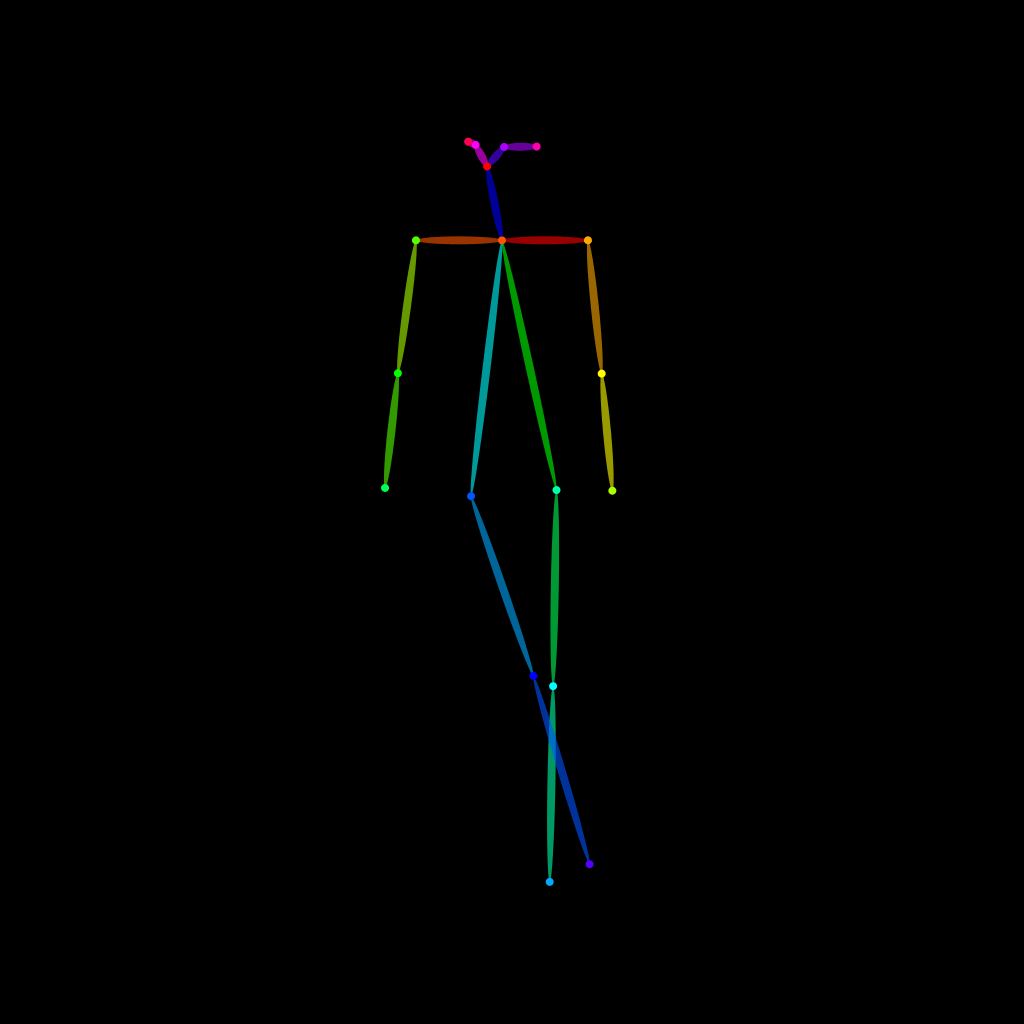
OpenPose skeleton for ControlNet
Load the PNG into a ControlNet OpenPose unit (preprocessor: none), or import the JSON into an OpenPose editor.
Have a photo of the pose you want?
Upload it to Photo to Pose. We detect the pose in your browser and put it on the mannequin, ready to adjust.