Back Shoulder HoldPose Reference
Camera angles
Back View Hand on Shoulder turns the wooden torso away while a reaching hand breaks the shoulder contour above closely crossed legs.
Tags: standingfigure drawingfull bodyback viewhand on shoulder
How to draw the Back Shoulder Hold pose
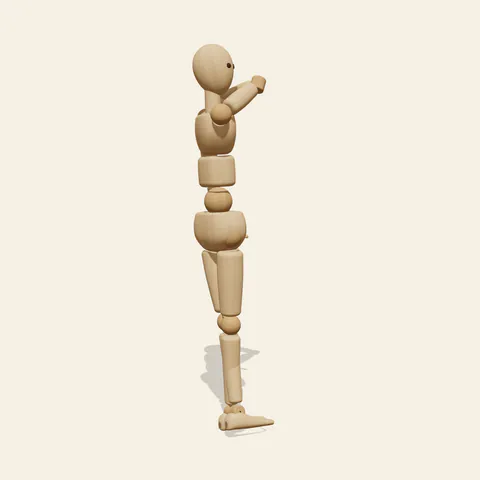
three-quarter view 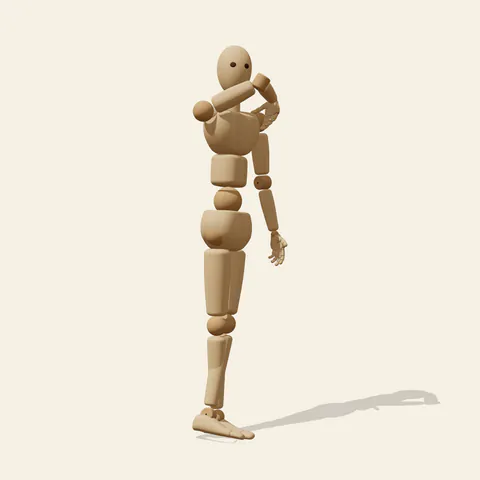
side view 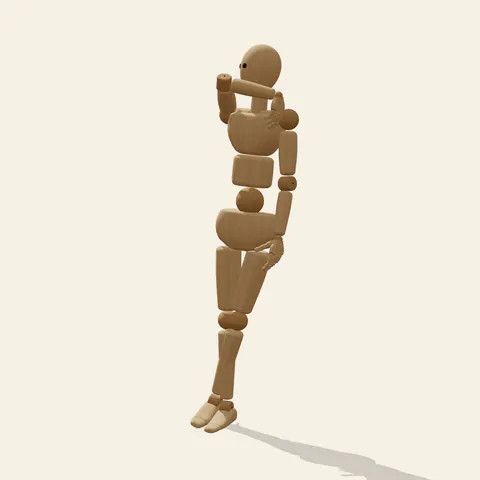
back view 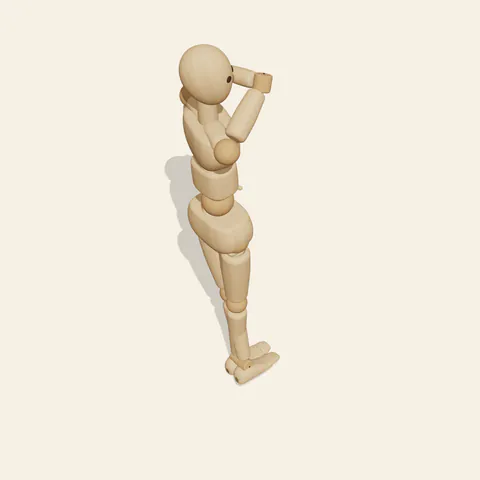
high-angle view
The viewer meets the back of the pelvis before following the spine toward a gently turned upper body. One arm reaches across toward the opposite shoulder region, introducing an oblique line high on the figure. The other arm descends beside the torso, preserving a much longer outer contour. Below, the narrow leg arrangement continues the twist rather than presenting two parallel columns. Notice how the head can turn slightly without requiring the entire rib cage to face the viewer. That difference between head orientation and body orientation gives the gesture its quiet sense of looking back.
Start with the rear pelvis block, then place the chest above it at its own rotation. The waist is the connection between those volumes, not a decorative pinch added afterward. A rear three quarter view shows the shoulder touch clearly while retaining the back silhouette. The opposite view may hide that hand; use the visible elbow and upper arm to understand where it travels. Side angles reveal whether the touching wrist floats away from the intended shoulder. The jointed wooden model communicates the reach with simple hand geometry, so exact palm contact and finger wrapping remain approximations for a later anatomy study.
More on angles and common mistakes
Do not mirror the visible shoulder contour onto the hidden side, or the torso will appear flat despite the twist. Likewise, track the crossing shin back to the correct knee before shading overlapping forms. Use this reference for departing characters, backward glances and studies of how an arm interrupts a rear silhouette. In Edit this pose, rotate the head a few degrees toward the reaching hand while keeping the pelvis turned away. The resulting look becomes more directed without changing the stance. Then inspect a frontal angle to ensure the neck has not been forced into an excessive turn merely to reveal more of the face.
Free to use (CC0). The pose images on this page are released under CC0 1.0 (public domain dedication). Use them for drawing practice, commercial illustration, reference sheets or AI image generation; no attribution is required. A credit to PoseMaker is appreciated but optional.
Back Shoulder Hold pose prompt
Copy a prompt for your AI image generator. Pair it with the OpenPose skeleton in ControlNet so the generated character matches this exact pose.
General prompt
Depict a person from a rear three-quarter angle, standing with closely crossed legs. One hand reaches across toward the opposite shoulder while the other arm hangs down. The head turns slightly back; keep the entire figure against a plain background.
Midjourney
full body person viewed from behind, slight torso twist, hand reaching opposite shoulder, free arm down, narrow crossed legs, head gently looking back, clear rear silhouette, blank backdrop --ar 2:3 --style raw
Stable Diffusion
1person, full body, back view, shoulder touch, crossed reaching arm, free arm hanging, crossed legs, torso twist, turned head, rear three quarter view, upright stance, close feet, visible hands, gesture study, neutral background, simple lighting, distinct shoulders
Negative prompt
front facing torso, both hands on shoulders, uncrossed stance, arm through neck, reversed shoulder reach, disconnected hips, duplicate arms, missing hands, broken wrists, fused calves, cropped legs, complex scenery
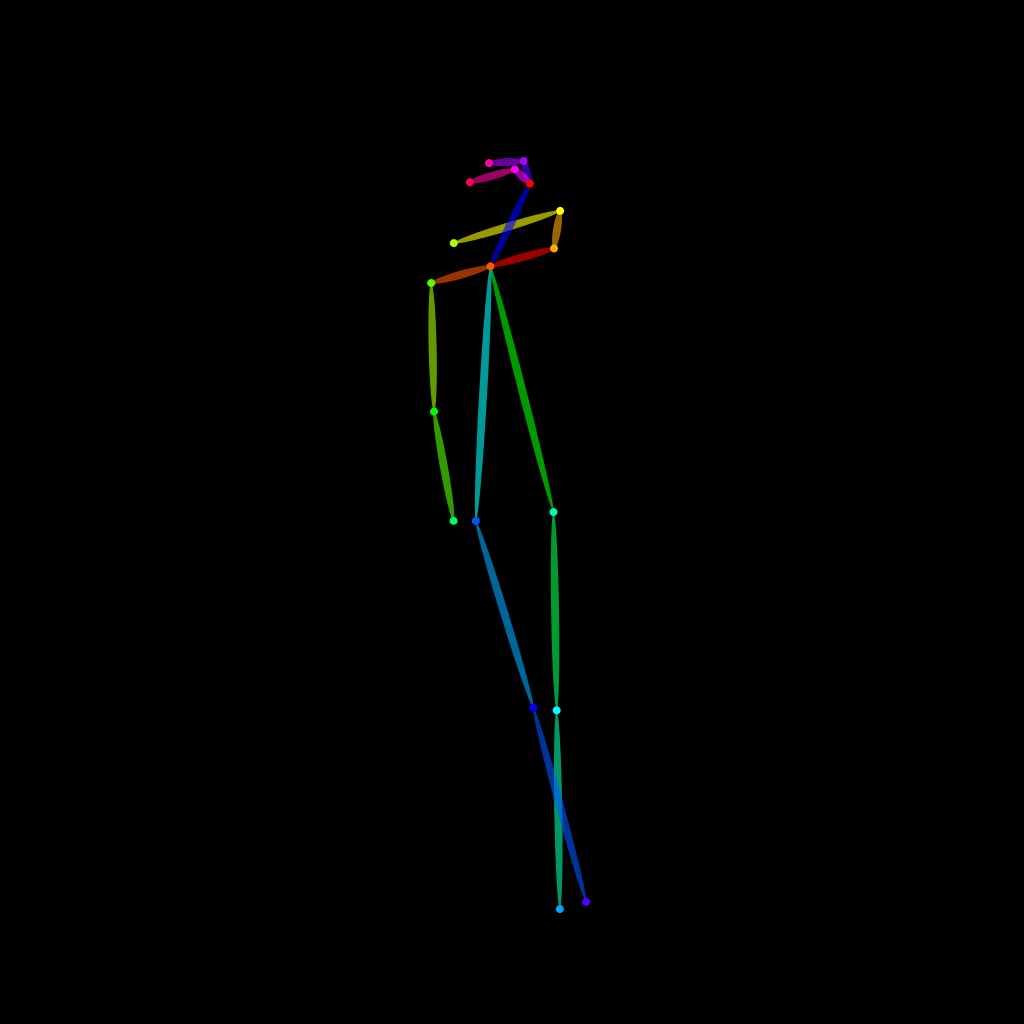
OpenPose skeleton for ControlNet
Load the PNG into a ControlNet OpenPose unit (preprocessor: none), or import the JSON into an OpenPose editor.
Have a photo of the pose you want?
Upload it to Photo to Pose. We detect the pose in your browser and put it on the mannequin, ready to adjust.